
Whether to use a generic, specific, or personal email address at work
Municipalities and businesses are often overwhelmed by the many choices available when it comes to creating email addresses for their organization. Sometimes it just feels easier to use a personal email address than to go through the hassle of finding a reputable IT partner to set up a new email address every time sometime new flow through the organization. Rules and regulations aside, setting up an email address that uses your domain name can be more secure and definitely looks more professional. Let’s take a look at each piece of the puzzle.
Creating Email Addresses
Use Your Domain (TLD) for Better Authority
Choosing an email address that uses your official domain (e.g., @boroughname.gov or @businessname.com) is your first line of defense in professional communication.
- Verification: Official domains (especially
.govfor municipalities) act as a “digital seal,” showing residents, customers, and vendors that the sender is legitimate and not a phishing attempt. - Security Control: Unlike free personal providers, owning your domain allows you to set up security protocols (like multifactor authentication (MFA) or encryption) and ensure that when an employee leaves, the data stays within your control.
Why You Must Stop Using Personal Email Addresses
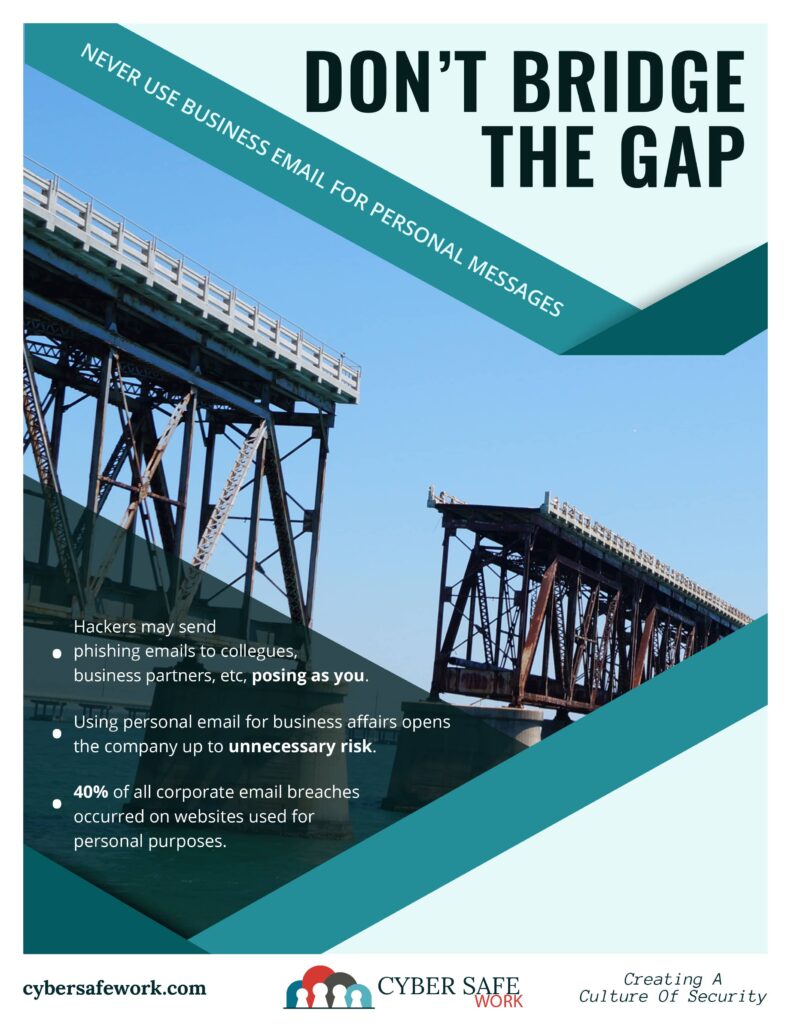
It may feel easier to use a “quick” Gmail or Yahoo account, but doing so for official business creates a significant “blurring of the lines” that is difficult to untangle later.
- Ownership Issues: If an employee uses a personal email and then leaves the organization, you lose the entire history of their professional contacts and communications.
- Best Practice: Municipalities should ensure that department heads (Secretary, Police Chief, etc.) use borough-specific accounts without exception to maintain a reliable “paper trail” for the position.
The Pennsylvania Right-to-Know (RTK) Trap
In Pennsylvania, the legal definition of a “public record” depends on the content of the message, not the account or device used to send it.
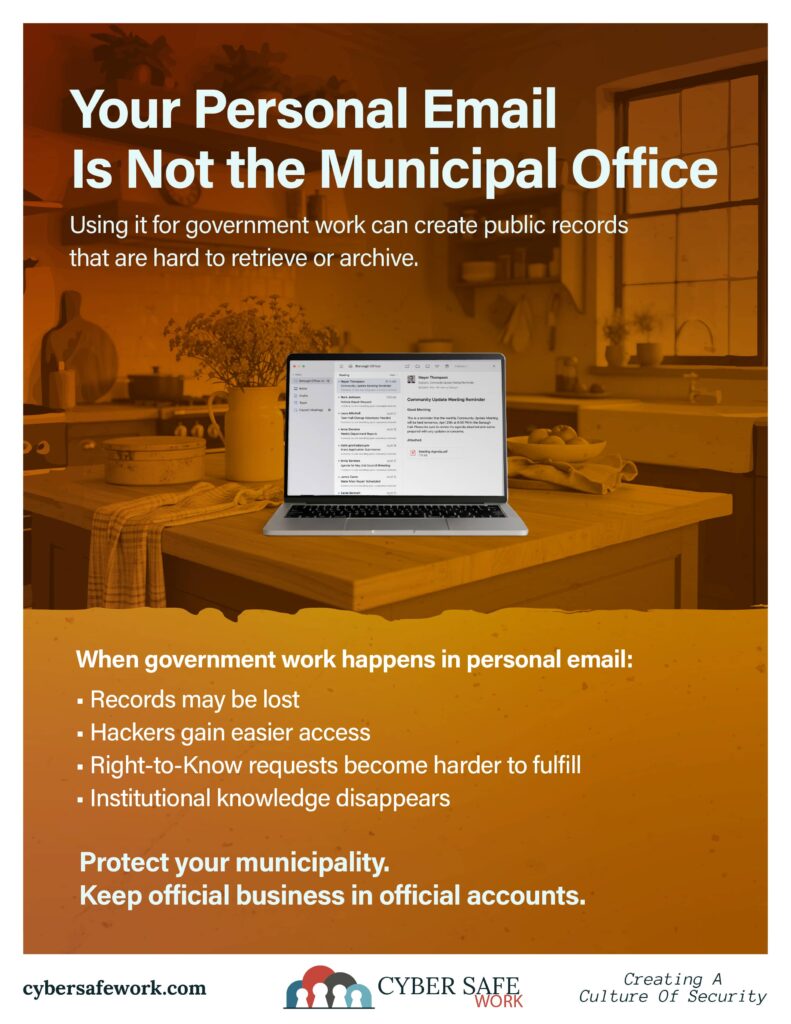
- The Law applies to Personal Accounts: If you conduct official agency business on a personal email account, those emails are considered public records under the PA Right-to-Know Law.
- Loss of Privacy during Discovery: If a resident files an RTK request, you may be legally required to search your personal inbox and turn over any relevant emails. This can lead to a significant invasion of privacy, as your entire private account could potentially be subject to review by legal officers to find responsive records.
- Constructive Possession: PA courts have ruled that records stored on non-agency devices are still “constructively possessed” by the municipality and must be produced upon request.
⚠️ Pennsylvania Legal Note: According to the PA Office of Open Records, the RTKL does not distinguish between agency business done on official computers versus personal devices. Using a dedicated official email address is the only way to ensure your personal communications stay private and separate from public record requests.
Individual Email versus Department Specific
This is where companies and municipalities differ. While it may seem cut-and-dry for a business to have department specific emails (accounting, support, sales), municipalities struggle to find the balance between ease-of-use and high turnover.
The Balancing Act for Municipalities
- The Problem with High Turnover: In many boroughs, council seats and committee roles change frequently. If you use only individual names (e.g.,
jdoe@borough.com), important history can be lost every election cycle if not managed correctly. - Role-Based Stability: For key functions like the Secretary, Tax Collector, or Zoning Officer, having a department-specific address (e.g.,
manager@borough.gov) ensures that residents always know where to send official correspondence, regardless of who currently holds the office. It’s easy for a skilled IT professional to set up a forward if a specific person is to handle these tasks for a period of time. - Individual Accountability: Conversely, name-specific emails are vital for internal accountability and digital signatures. They provide a clear audit trail for who authorized a specific action or sent a specific directive.
Unlike domains, once the email address is removed, no one can fake sending from that address unless it’s from your own mail server.
Pro Tip: For both commercial and municipal clients, use Departmental addresses for your website’s contact page and public forms to ensure continuity. Use Individual addresses for day-to-day operations to maintain a clear legal record of who said what and when.
Don’t Let Go of Old Domain Names
For example, you change from myborough.com to myboro.com and drop myborough.com. Someone else can pick up myborough.com and start sending mail out as myborough.com and you would have no way to prevent them from doing that. This makes it easy to trick people into thinking these spoofed emails are coming from a legitimate source. Paying for both domains for the foreseeable future would prevent people from doing a plethora of bad things with a domain name you no longer need.
Archiving Old Email
Managing the Transition
When it comes time to handle staff transitions, it is best to work with your IT department. You may even want to involve your solicitor to ensure that archiving is handled in accordance with all applicable laws or your municipality’s or organization’s digital policies.
- Aliasing: You can set up “aliases” so that one person receives mail for both
jsmith@borough.govandsecretary@borough.gov. This gives them an individual identity while maintaining the departmental “front door.” - The 12-Month Handover: Keeping an old address active for about a year ensures that any lingering official business or subscriptions tied to that person are successfully migrated to the new official.
- Archiving vs. Deletion: You can likely take the email address out of rotation after the 12-month forward is over. In a municipal setting, an email account should never just be “deleted.” Because of RTKL requirements, the data must be archived (using tools like MailStore or Microsoft 365 archiving) to ensure records remain accessible for their legally mandated retention period. Again, check with your solicitor to ensure that all rules and regulations are met.
It is more professional and more secure to use email addresses that end with your TLD for work. Of course, like anything else, the challenges that come with setting up email addresses for an organization can feel confusing. If you don’t have IT help within your organization, it might be wise to seek a trusted IT partner who can help you secure the right domain, set up consistent email addresses, handle staff transitions when they occur, and ensure secure and long-lasting email archives.
