
Cyber Security Awareness Poster
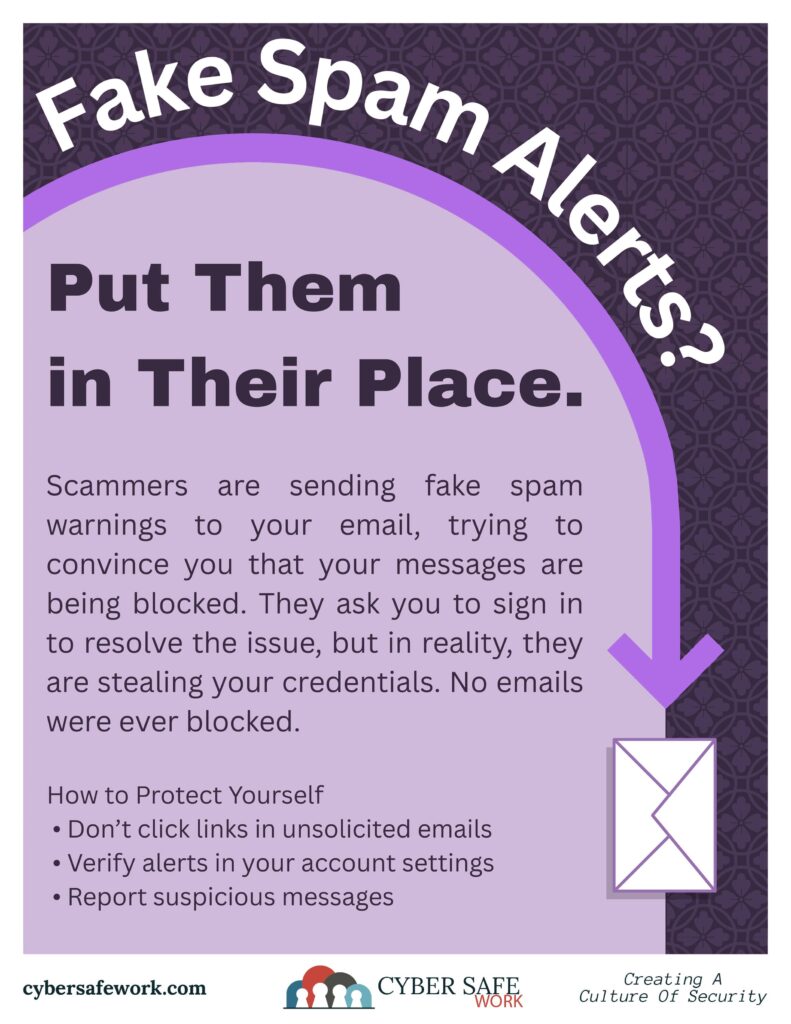
Scammers Send Fake Spam Notices to Steal Email Credentials
Fake spam and security alert emails are one of the most common ways scammers gain access to personal and work email accounts. These messages are designed to look like routine system notices, but their real goal is simple: trick recipients into signing in and handing over their email credentials.
Because email accounts often act as a gateway to banking, cloud storage, work systems, and password resets, a single successful login can give scammers wide access in a short amount of time.
How the Scam Works
The message usually claims there is a problem with the recipient’s email account. Common examples include:
- “Suspicious activity detected”
- “Spam messages blocked”
- “Mailbox storage full”
- “Account will be limited or suspended”
The email urges immediate action and includes a button or link labeled something like Review Activity, Secure Your Account, or Verify Now.
Clicking the link leads to a fake login page that closely resembles a real email provider’s sign-in screen. Once the email address and password are entered, the information is sent directly to the scammer instead of the legitimate service.
Why These Emails Are Effective
Fake spam notices work because they feel routine. Many people are used to receiving legitimate security alerts from email providers, so the message doesn’t immediately raise suspicion.
It’s important to remember the things scammers rely on to get you to act:
- Urgency to push quick decisions
- Fear of account loss to discourage careful review
- Familiar branding to appear trustworthy
Even careful users can be caught off guard when the message appears during a busy workday or when checking email on a mobile device.
What Happens After Credentials Are Stolen
Once scammers gain access to an email account, they may:
- Reset passwords on other accounts
- Send scam emails from the compromised address
- Access stored files or contact lists
- Attempt financial fraud or identity theft
Because email accounts are often tied to many other services, the impact can extend far beyond a single inbox.
How to Spot a Fake Spam or Security Email
While these scams continue to evolve, many still share common warning signs:
- Generic greetings instead of your name
- Unexpected requests to log in from an email link
- Links that do not match the official website domain
- Poor grammar or awkward phrasing
- Pressure to act immediately
Legitimate email providers do not ask users to confirm passwords through email links.
Safer Ways to Handle Email Security Alerts
If an email claims there is a problem with your account, avoid clicking any links. Instead:
- Open a new browser window and go directly to your email provider’s website
- Log in through the official site or app
- Check account notifications from within your account settings
This approach removes the risk of being redirected to a fake login page.
CourseVector grants permission to use this artwork for any non-commercial purpose as long as the CourseVector contact information remains, as is, on any reproduction or use.
