
Cyber Security Awareness Poster
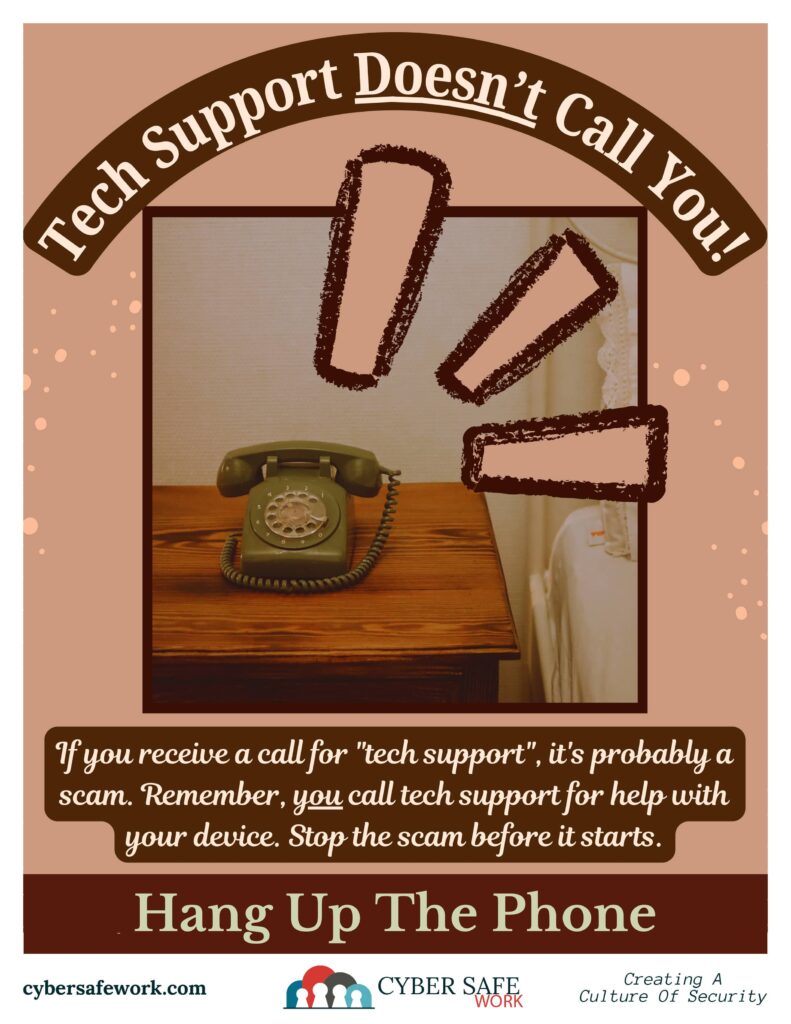
Beware of Tech Support Scams: Hang Up the Phone!
Tech support scams are becoming increasingly sophisticated, preying on unsuspecting individuals by exploiting their fears about their computer or device security. Here’s why you should hang up the phone if you receive an unsolicited call from “tech support” and how to stop the scam before it starts.
Recognize the Red Flags
- Unsolicited Calls: Legitimate tech support companies do not make unsolicited calls. If someone calls you out of the blue claiming to be from Microsoft, Apple, or another tech company, it’s a scam.
- Urgency and Fear Tactics: Scammers often use urgent language to create a sense of panic, claiming that your computer is infected or your data is at risk. Panicked people tend to make mistakes and comply with demands.
- Request for Remote Access: They may ask you to grant them remote access to your computer. This is a major red flag, as it allows them to steal personal information or install malicious software.
- Payment Demands: Scammers will typically ask for payment for their “services” or for unnecessary software. They may request credit card information or payment via gift cards.
What to Do if You Receive a Call
- Hang Up Immediately: As soon as you realize the call is from a scammer, hang up the phone. Do not engage or provide any information.
- Do Not Follow Instructions: Never follow their instructions to install software or visit certain websites. These actions can compromise your computer and personal information.
- Verify Independently: If you are concerned about your computer’s security, contact your tech support provider directly using a verified phone number or website.
- Report the Scam: Report the incident to relevant authorities, such as the Federal Trade Commission (FTC) in the U.S. This helps them track scam activity and warn others.
Protect Yourself in the Future
- Educate Yourself and Others: Be aware of common scam tactics and educate friends and family, especially those who may be less tech-savvy.
- Install Security Software: Use reputable antivirus and anti-malware software to protect your computer.
- Enable Multi-Factor Authentication (MFA): Adding an extra layer of security to your accounts can help prevent unauthorized access.
By staying vigilant and knowing the signs of a tech support scam, you can protect yourself and your loved ones from falling victim to these deceptive schemes. Remember, the safest course of action is to hang up the phone and avoid engaging with potential scammers.
For more information on how to protect yourself from tech support scams, or to report fraud, visit FTC Consumer Information.
CourseVector grants permission to use this artwork for any non-commercial purpose as long as the CourseVector contact information remains, as is, on any reproduction or use.
