
Cyber Security Awareness Poster
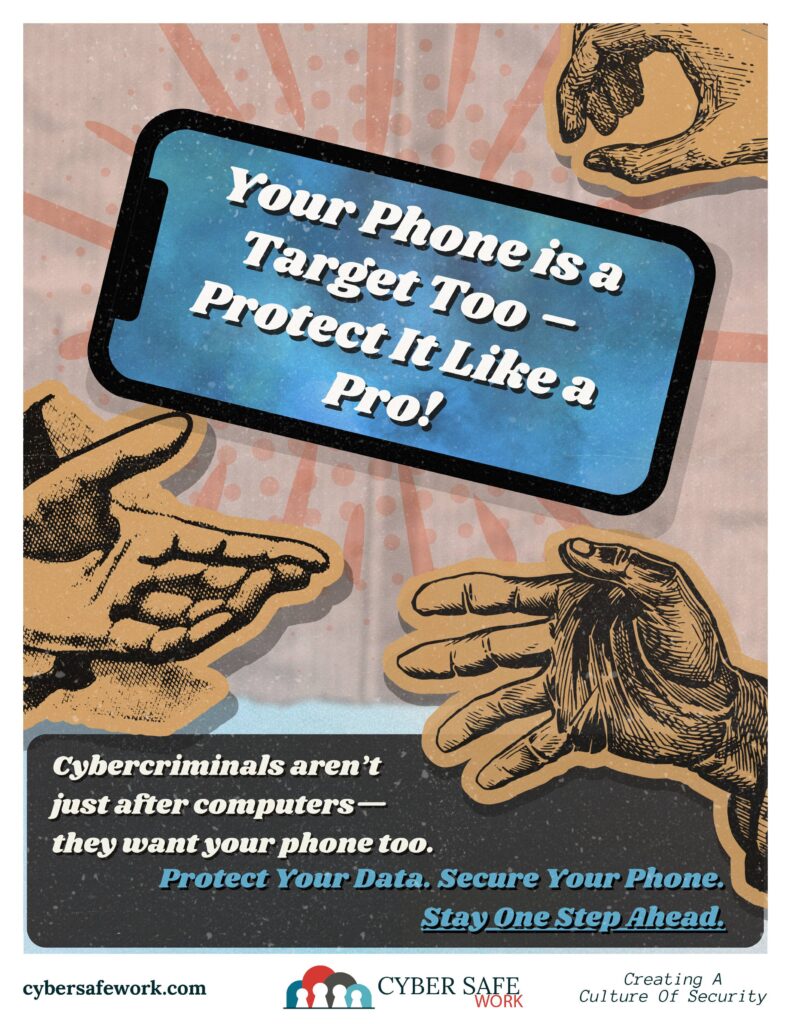
Your Phone is a Target Too – Protect It Like a Pro!
Think of your smartphone as a vault containing your personal photos, sensitive emails, financial data, and more. Cybercriminals are well aware of this and are continually devising ways to exploit vulnerabilities. Implementing robust security measures is essential to safeguard your personal information.
1. Review App Permissions
Applications often request access to various features on your phone, but not all permissions are necessary for their functionality. Granting excessive permissions can expose your data to potential misuse. Here’s how to manage app permissions:
For Android Users:
- Navigate to Settings > Privacy > Permission Manager.
- Review each permission category to see which apps have access.
- Revoke permissions that are not essential for the app’s primary function.
For a detailed guide, refer to The Verge’s article on managing Android app permissions.
For iPhone Users:
- Go to Settings > Privacy & Security > App Privacy Report.
- This feature provides insights into how apps access your data and sensor.
- Adjust permissions by selecting each app and toggling off unnecessary access.
For a detailed guide, refer to the Verge’s article on managing iPhone app permissions.
2. Keep Your Device and Apps Updated
Software updates are not just about new features; they often include critical security patches that protect your device from known vulnerabilities.
- Enable Automatic Updates:
- Android: Settings > System > System Update > Toggle on Auto-download over Wi-Fi.
- iOS: Settings > General > Software Update > Enable Automatic Updates.
- Regularly Update Apps:
- Ensure all installed apps are up-to-date to benefit from the latest security enhancements.
For more information on the importance of updates, visit NTIVA’s guide on mobile device security best practices.
3. Use Strong, Unique Passwords and Enable Multi-Factor Authentication (MFA)
A strong password is your first line of defense against unauthorized access.
- Create Complex Passwords:
- Use a combination of uppercase and lowercase letters, numbers, and special characters.
- Avoid easily guessable information like birthdays or common words.
- Utilize Password Managers:
- These tools generate and store complex passwords securely, reducing the burden of memorization.
- Enable Multi-Factor Authentication (MFA):
- MFA adds an extra layer of security by requiring additional verification methods, such as a fingerprint scan or a one-time code sent to your device.
For a comprehensive understanding of MFA, refer to Ellucian’s article on protecting information on mobile devices.
4. Be Cautious with Public Wi-Fi
Public Wi-Fi networks are convenient but can be hotspots for cyber threats.
- Avoid Accessing Sensitive Information:
- Refrain from online banking or accessing confidential data over public Wi-Fi.
- Use a Virtual Private Network (VPN):
- A VPN encrypts your internet connection, providing a secure tunnel for your data.
For additional tips on safe web browsing, consult CISA’s guidelines.
5. Enable Remote Wipe and Find My Device Features
In case your phone is lost or stolen, these features can help protect your data.
- Set Up Find My Device:
- Android: Settings > Security > Find My Device.
- iOS: Settings > [Your Name] > Find My > Find My iPhone.
- Enable Remote Wipe:
- This allows you to erase all data on your phone remotely if recovery isn’t possible.
For more details, refer to Purdue University’s mobile device security best practices.
6. Avoid Downloading Apps from Untrusted Sources
Third-party app stores may host malicious software.
- Use Official App Stores:
- Download apps only from Google Play Store or Apple App Store, where apps are vetted for security.
- Check App Reviews and Permissions:
- Before downloading, review app ratings and permissions to ensure they are appropriate for the app’s functionality.
For guidance on app safety, see The Guardian’s article on navigating apps.
7. Enable Two-Factor Authentication (2FA) on Sensitive Accounts
Adding an extra layer of security can prevent unauthorized access.
- Activate 2FA:
- Use apps like Google Authenticator or Authy to generate verification codes.
For more information on 2FA, refer to Wikipedia’s article on Multi-factor Authentication.
Your phone is a powerful tool—and a prime target for cybercriminals. That’s why mobile security matters just as much as protecting your computer. By practicing smart habits like reviewing app permissions, keeping your software updated, avoiding public Wi-Fi, and enabling two-factor authentication, you can significantly reduce the risk of hacking and data theft. Don’t wait until it’s too late—take simple steps now to keep your phone, and your personal information, safe.
CourseVector grants permission to use this artwork for any non-commercial purpose as long as the CourseVector contact information remains, as is, on any reproduction or use.
