
Cyber Security Awareness Poster
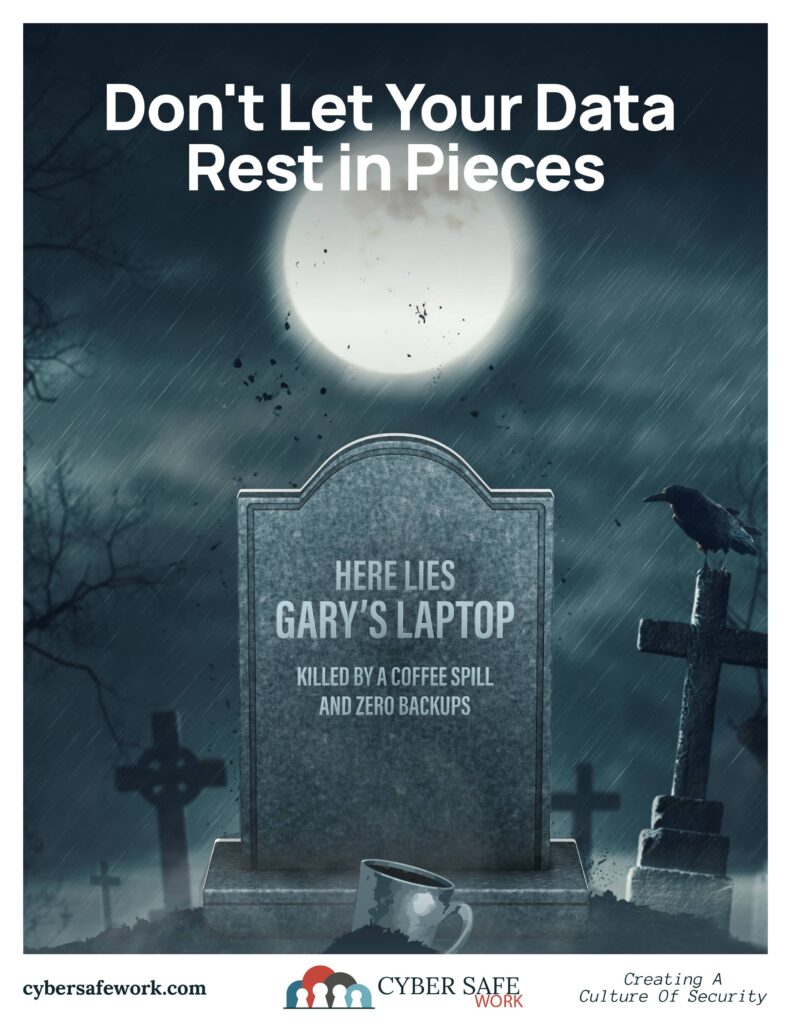
Gary’s laptop had a good run.
It survived software updates, questionable browser tabs, too many open programs, and years of being carried from meeting to meeting.
Then came the coffee.
One spill. One dead laptop. And, unfortunately for Gary, zero backups.
That is how a small accident becomes an IT horror story.
Data Loss Does Not Always Come From Hackers
When people hear “data loss,” they often think about ransomware, hackers, or some major cybersecurity incident. Those are real threats, but they are far from the only ways important files disappear. But 64% of data loss comes from the mundane, boring stuff our buddy Gary experienced. Computers fail. Hard drives die. Phones get lost. Employees accidentally delete folders. Files become corrupted. Devices are damaged by water, power surges, drops, fires, and plain old bad luck.
We all know that these things can happen. What’s worse is they usually happen without warning.
A Backup Is Your Way Back
A good backup gives you another copy of important information that can be restored if the original is lost, damaged, deleted, or encrypted.
For businesses and organizations, you’ll want all the stuff that allows you to keep operating even when systems fail. This might include documents, financial records, photos, website files, contact information, project files, policies, forms, and years of institutional knowledge.
Without a backup, recovering that information may be expensive, incomplete, or impossible.
And while professional data recovery services sometimes work, “we’ll recover it later” is not a backup strategy.
Cloud Storage Is Helpful, But It Is Not Always a Backup
Services like OneDrive, Google Drive, Dropbox, and similar platforms are useful because they keep files online and can synchronize them across devices.
Don’t mistake synchronization for a good backup.
If a file is accidentally deleted, overwritten, corrupted, or affected by ransomware, those changes may also synchronize to the cloud. Some services offer version history and deleted-file recovery, but retention periods and features vary.
Organizations should know exactly what is being backed up, where the backup is stored, and how long older versions are retained.
The Best Backups Happen Automatically
If your backup plan depends on someone remembering to copy files every Friday afternoon, eventually someone will forget.
Automatic backups reduce that risk. A common guideline is the 3-2-1 backup strategy:
Keep three copies of important data, store those copies on at least two different types of storage, and keep at least one copy separate from your primary environment.
For example, your organization might have working files on a computer or server, an automated cloud backup, and another protected backup stored separately.
The exact setup will vary depending on your organization, but the goal is simple: one damaged laptop should not be able to destroy your only copy of important information.
Backups Need to Be Tested Too
Having a backup system is great. Knowing that it actually works is better.
Organizations should periodically verify that backups are completing successfully and that files can actually be restored. A backup that has quietly failed for six months is not much help when disaster finally strikes.
This is especially important for critical business records, financial information, website data, and other files your organization cannot easily recreate.
Do Not Wait for the Tombstone
Did file backups every cross Gary’s mind? We may never know. The coffee was hot and swift.
Backups are one of those cybersecurity precautions that feel unnecessary right up until the moment they become essential.
Take a few minutes to check your organization’s backup process. Find out what is protected, how often backups occur, where those backups are stored, and whether anyone has tested the recovery process recently.
Because laptops can be replaced.
Your data may not be so lucky.
Backup or beware.
CourseVector grants permission to use this artwork for any non-commercial purpose as long as the CourseVector contact information remains, as is, on any reproduction or use.
