
URL phishing is a type of cyberattack where scammers create fake websites or URLs that mimic legitimate sites in an attempt to deceive users into entering sensitive information, such as login credentials, credit card numbers, or personal data. These fraudulent URLs often look nearly identical to real ones, using slight variations in spelling, domain names, or characters to trick users into thinking they’re on a trusted site. Once users input their information, it is captured by the attackers for malicious purposes, potentially leading to identity theft, financial loss, or unauthorized access to personal accounts. URL phishing attacks are commonly delivered via emails, text messages, or social media, often disguised as urgent requests from familiar institutions or services. To avoid falling victim, it’s crucial to carefully inspect URLs, avoid clicking on suspicious links, and use multi-factor authentication for added security.
How to spot URL phishing
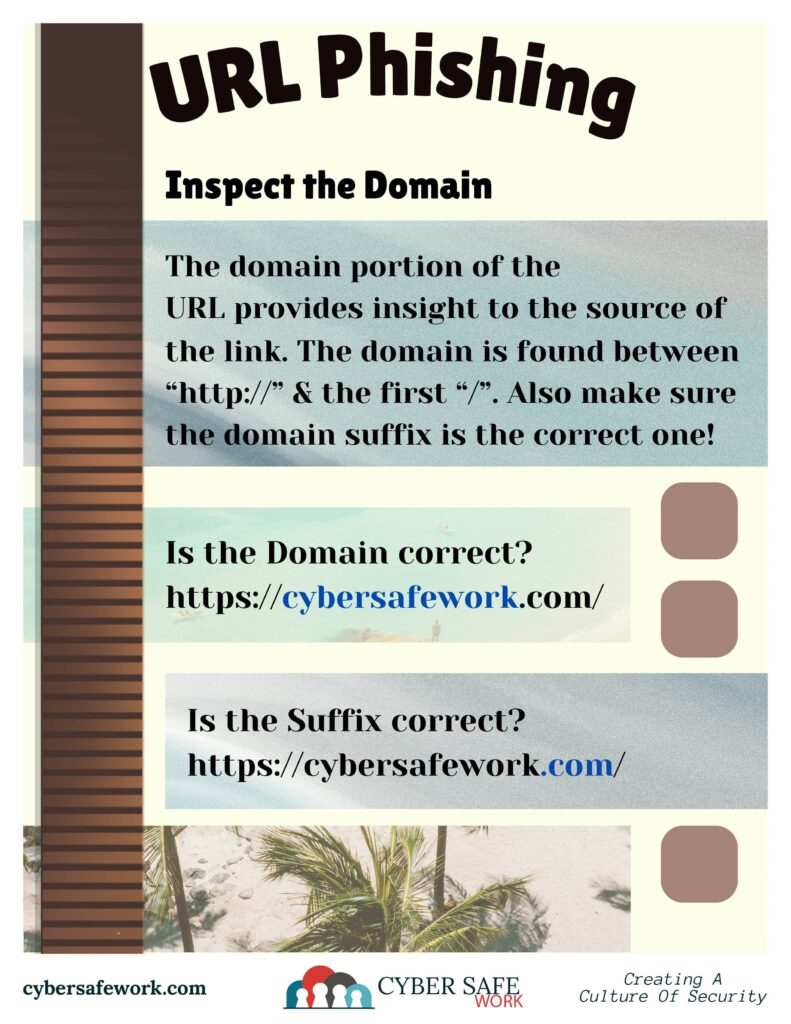


First, inspect the domain. The URL can provide insight to the source of the link. The domain is found between the http:// or https:// and the first / at the end. Keep in mind, you cannot see the http:// or https:// in many browsers.
Is the domain correct? Is the suffix correct (think .com versus .net)?
Really inspect that domain. Scammers will often replace characters with similar looking characters to trick users.
Next, don’t trust disguised URLs. Scammers will often hide malicious links in various way. Short URLs, images as links, QR codes, and any other tricky URL may be a guise for a malicious link.
If you’re in doubt, don’t click the link.
