
Cyber Security Awareness Poster
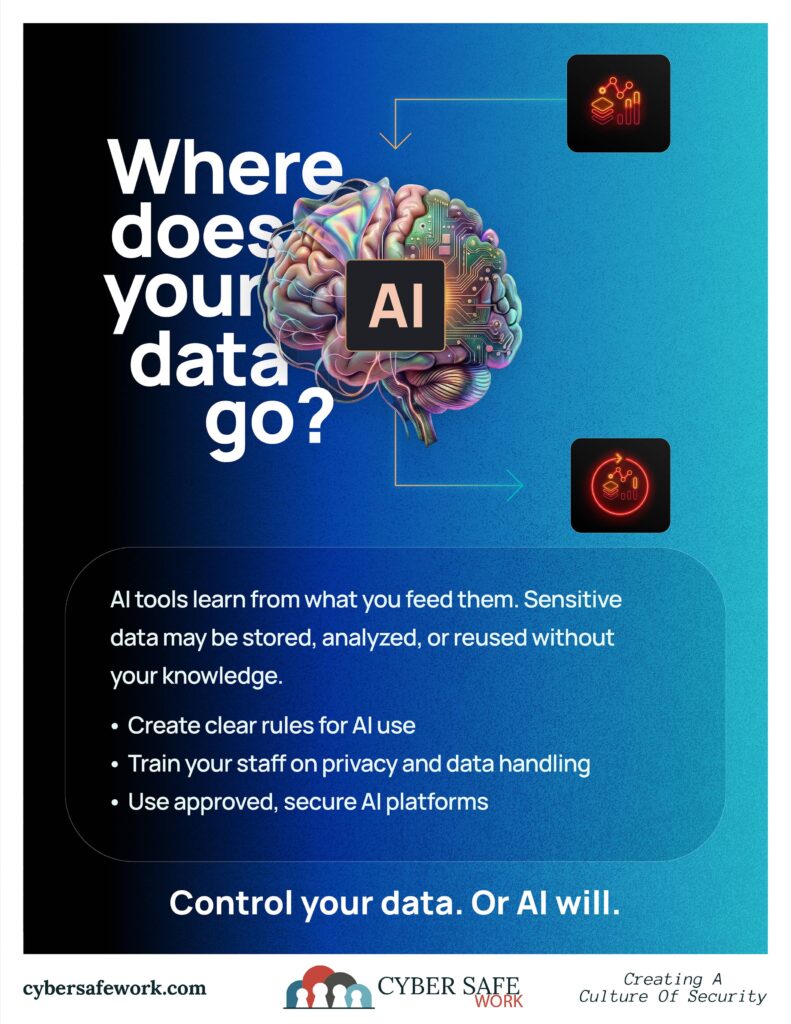
Where Does Your Data Go?
Understanding Data Protection When Using AI
Artificial intelligence tools have quickly become part of everyday work. From drafting emails to summarizing documents, AI can save time and improve productivity.
But do you know where your data goes when you type your prompt, ask your questions, and share your life with AI? If you are entering information into an AI tool without thinking about it, you may be sharing more than you realize.
What Happens to Your Data in AI Tools?
When you type into an AI platform, that information does not simply disappear after you hit “submit.”
Depending on the tool you are using, your data may be:
- Processed on external servers
- Stored temporarily or logged
- Used to improve the system over time
- Reviewed to monitor performance or prevent misuse
Let’s take a look at how open AI explains how they use your ChatGPT input:
Our use of content. We may use Content to provide, maintain, develop, and improve our Services, comply with applicable law, enforce our terms and policies, and keep our Services safe.
Even when companies have privacy policies in place, the reality is simple:
You often do not have full control over how your data is handled once it leaves your system.
The Biggest Risk: Sharing Sensitive Information
The most common issue is not the AI itself. It is how people use it.
We regularly see users entering:
- Internal emails or documents
- Customer or resident information
- Financial data
- Legal or HR-related content
- Login credentials or system details
Once that information is entered into a third-party AI tool, it may no longer be private.
For municipalities, businesses, and organizations, this creates real risks tied to compliance, public records, and data protection responsibilities.
“It’s Just a Prompt” — Why That Thinking Is Dangerous
It is easy to assume that a quick request to an AI tool is harmless. But every prompt is data.
Even something simple like:
“Rewrite this email to a resident about a billing issue…”
…could include names, account details, or internal processes. Over time, small pieces of information can add up to something much larger.
What You Should Never Enter Into AI Tools
As a general rule, do not enter:
- Personally identifiable information (PII)
- Financial or payment details
- Confidential business information
- Legal documents or sensitive communications
- Employee or resident records
- Passwords, API keys, or system access details
If you would not post it publicly, it should not go into an AI tool.
How to Use AI Safely at Work
First and foremost, you should follow your employer’s AI policies. If they don’t want you using AI, you shouldn’t be doing it.
AI can still be a powerful tool when used correctly. The key is setting clear boundaries.
1. Remove Sensitive Details
Before using AI, strip out names, numbers, and identifying information.
2. Use Generalized Prompts
Instead of pasting real data, describe the situation:
“Write a response to a customer complaint about delayed service.”
3. Establish Internal Guidelines
Organizations should define:
- What employees can and cannot input into AI tools
- Which tools are approved for use
- When human review is required
4. Train Your Team
Most data risks come from a lack of awareness, not bad intent. A simple training or visual reminder can prevent costly mistakes.
Why This Matters for Municipalities and Organizations
For local governments and public-facing organizations, the stakes are even higher.
Improper use of AI can lead to:
- Violations of data protection policies
- Exposure of sensitive resident information
- Right-to-Know or record retention complications
- Loss of public trust
AI is not just a convenience tool. It is part of your digital infrastructure.
And it needs to be treated that way.
The Bottom Line: Control Your Data Before AI Does
AI is not inherently dangerous. But using it without understanding how your data is handled can be.
Before entering anything into an AI tool, ask:
“Would I be comfortable if this information was no longer private?”
If the answer is no, do not enter it.
CourseVector grants permission to use this artwork for any non-commercial purpose as long as the CourseVector contact information remains, as is, on any reproduction or use.
